 Chords.wiki
Chords & tabs for every song
Chords.wiki is the modern chord & guitar tab app — works on your phone, tablet, desktop, or browser, with real-time sync across all your devices.
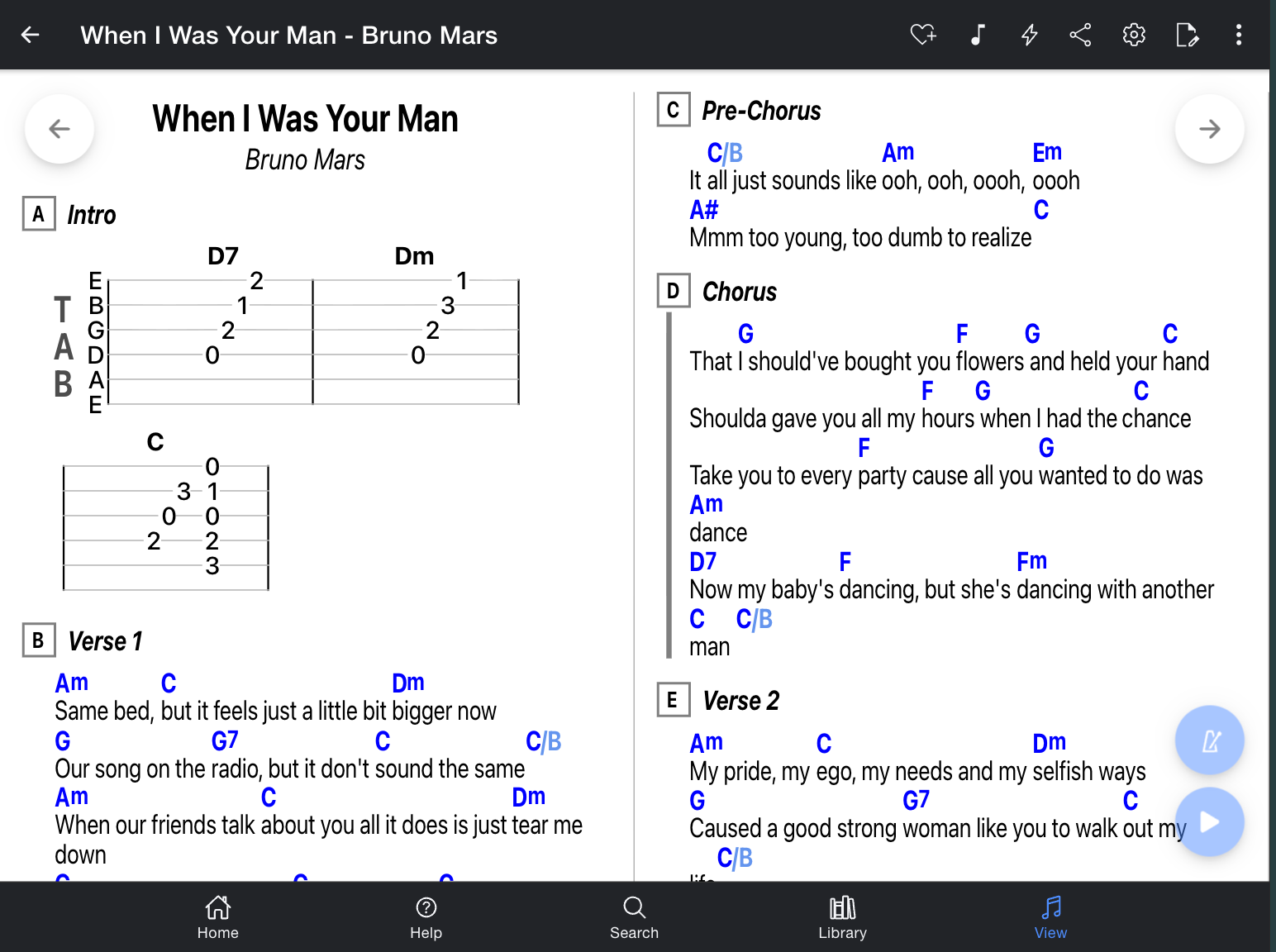
Everything you need to play better
From beginner to pro, Chords.wiki gives you the tools to practice, perform, and improve - on any device.
Works on every device
iOS, Android, Windows, Mac, or any modern browser, Chords.wiki follows you everywhere as a native-feeling app. Add songs on your phone, edit on PC, perform with your iPad, or whatever suits your workflow.
Real-time sync
Your library syncs instantly across all your devices. Pick up exactly where you left off, every time. Share your account with band members so they can view and edit on their own devices.
Personal library
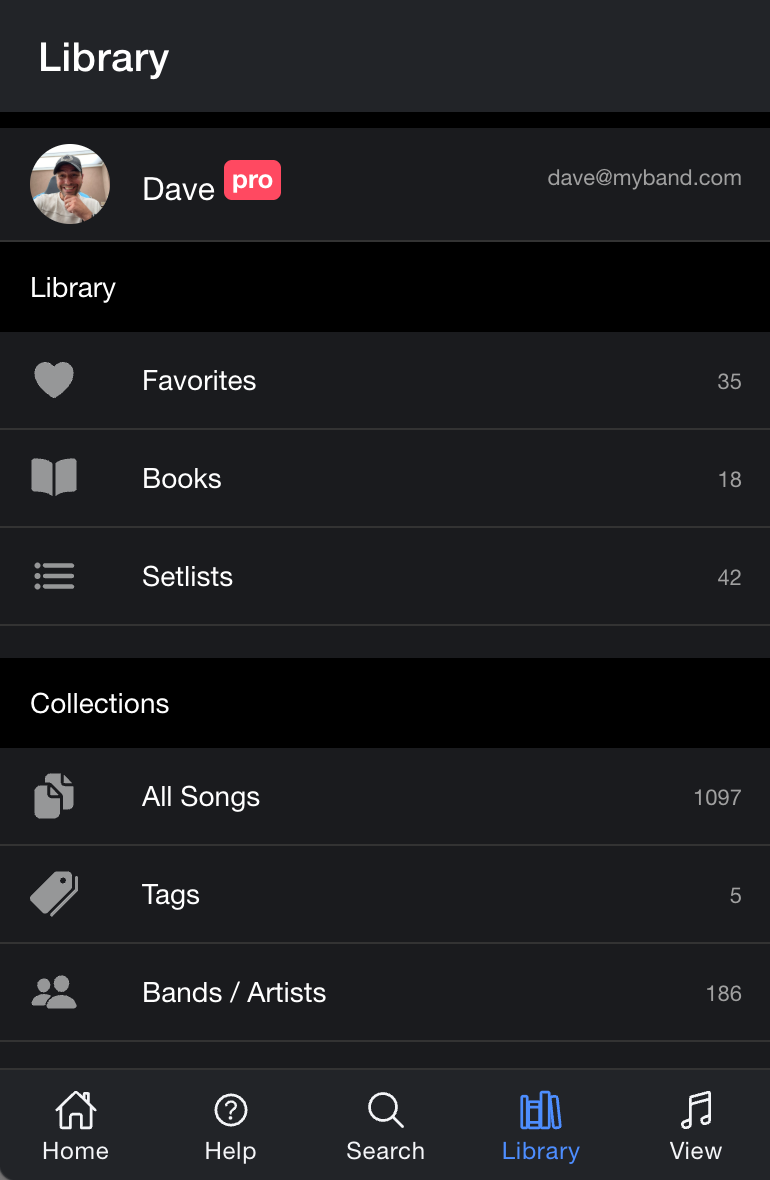
Organize your favorite songs in custom books and create setlists. Add notes, transpose keys, and keep everything tidy. Everything is automatically backed up in the cloud, no setup required.
Setlists for performances
Build setlists for gigs, rehearsals, or practice sessions. Scroll through your songs seamlessly on stage without touching the screen. Share your setlists with singers and band members to keep everyone on the same page
Vast song search
Find chords and tabs for millions of songs available online. Search by song title or artist and get playing in seconds.You'll be able to satisfy any song request from your audience.
Offline access
Your library is available offline, so you can practice and perform anywhere, even without an internet connection. Any changes you make offline will automatically synchronize to other devices once connected again.
Your music, everywhere you go
Chords.wiki is a Progressive Web App (PWA) — install it directly from your browser and it works just like a native app, with no app store required. One account, every device.
- Install directly from chords.wiki - no app store needed
- Works on iOS, Android, Windows, macOS, and Linux
- Feels like a native app on every platform
- Automatic updates, always the latest version
- One account, unlimited devices
Organize your musical world
Create books and setlists to organize your songs exactly the way you like. Every change syncs instantly across all your devices — start on your phone, continue on your laptop.
- Organize songs in unlimited books and setlists
- Sync automatically across all your devices in real time
- Import your GuitarTapp Pro library in minutes
- Add personal notes and annotations to any song
- Transpose chords to any key with one tap
Ready to play?
Join thousands of musicians who use Chords.wiki every day. It's free to get started, no app store needed.
Open Chords.wiki — it's free